
Scope:
The “Invoke API OTP sending button” in Cflow refers to an user feature that triggers REST API calls to initiate OTP (one-time password) delivery for the verification. Its scope enables triggering OTP sends via API and verifying the OTP which has been generated.
How to use:
1) sample image of button
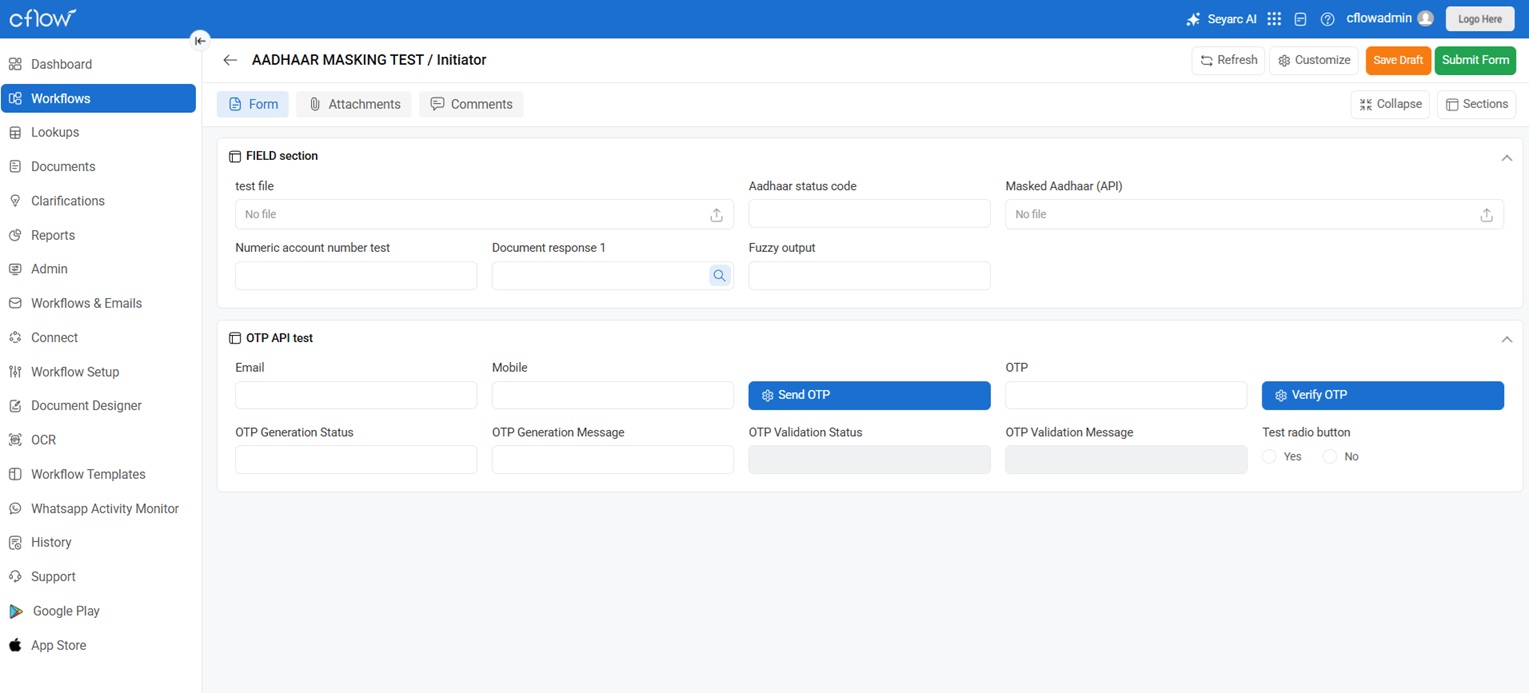
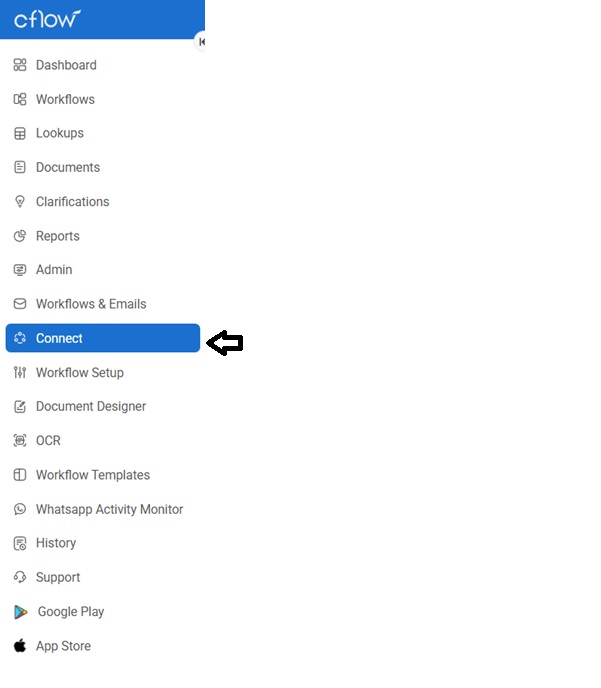
1.1) Integrate the API call in the connect page
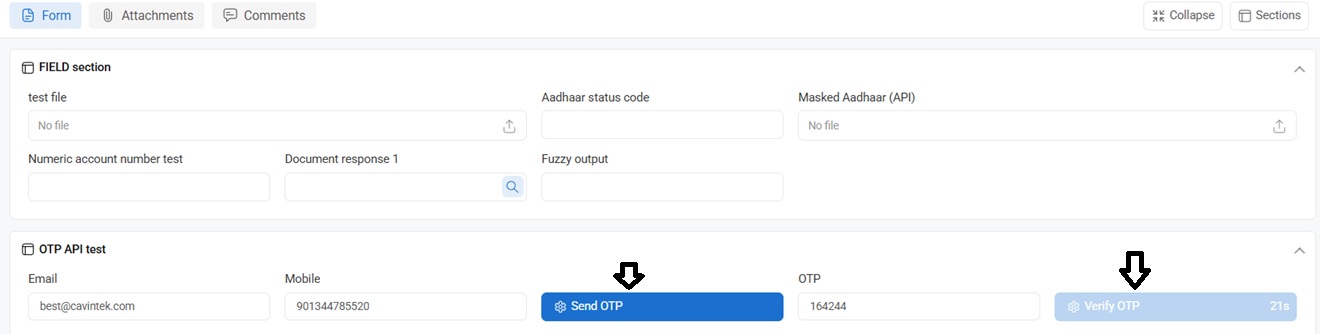
2) You have to click on “Send OTP” button after filling the email and mobile number.
3) Once you receive the OTP, type the OTP in the OTP FIELD and then click on “verify OTP”
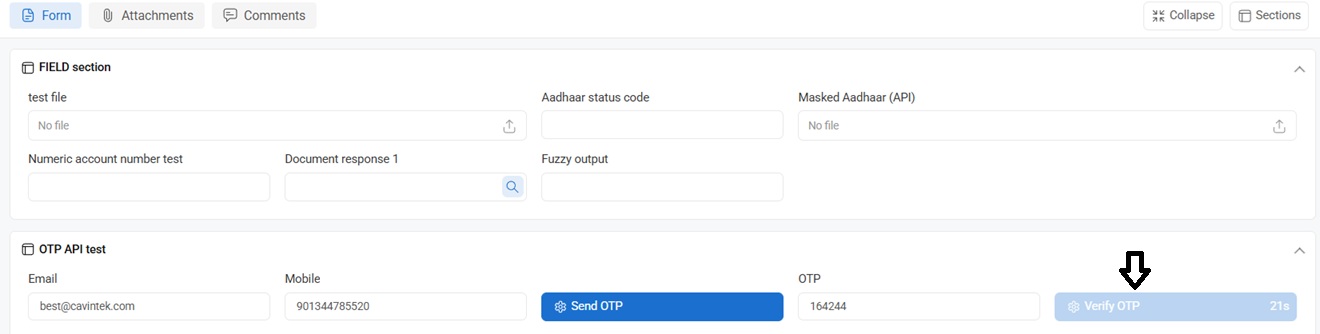
Functionality and Reactivation
Clicking the send button sends a POST request to generate and dispatch OTP via SMS/email, with many APIs enforcing rate limits where the button reactivates after 30 seconds to prevent spam—common in services like SMS gateways. This cooldown aligns with minimum expiry times (e.g., 30 seconds) or throttling in OTP APIs.