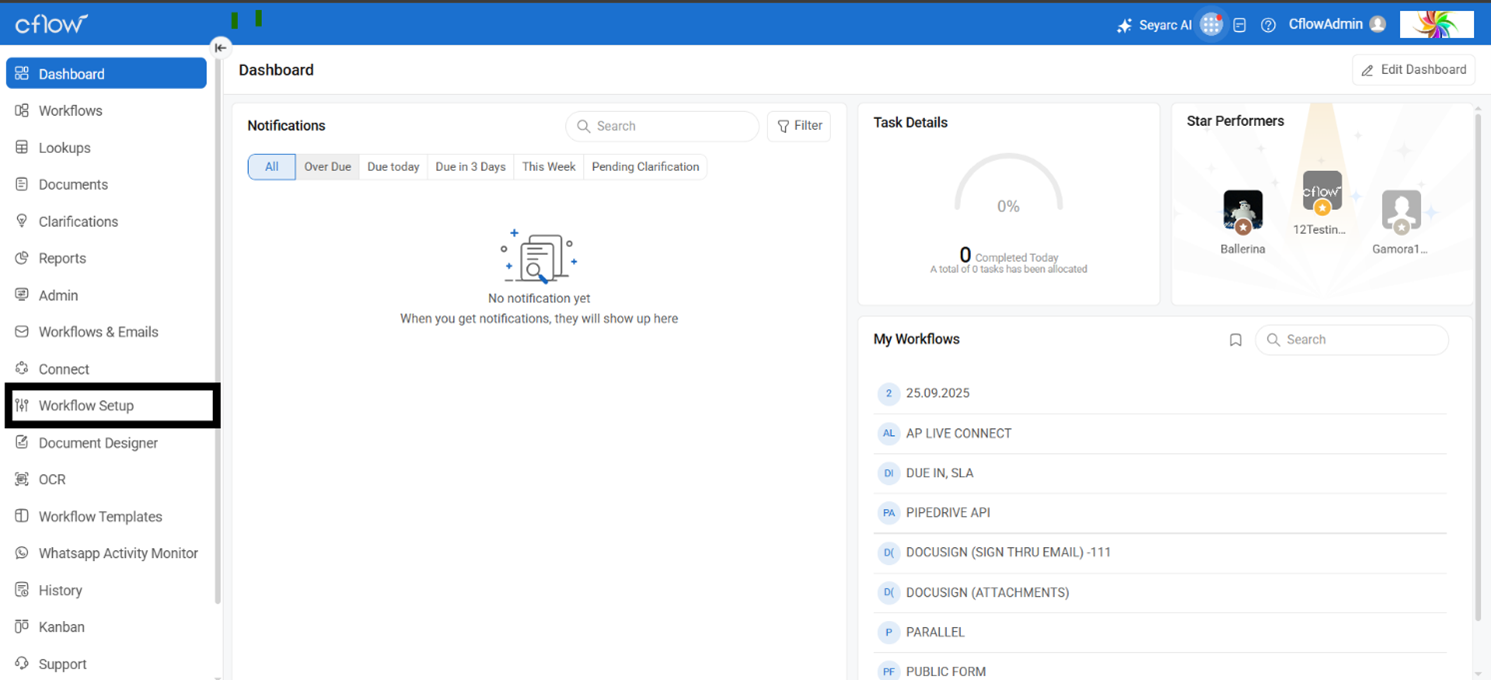
Access the application dashboard and navigate to Workflow Setup.
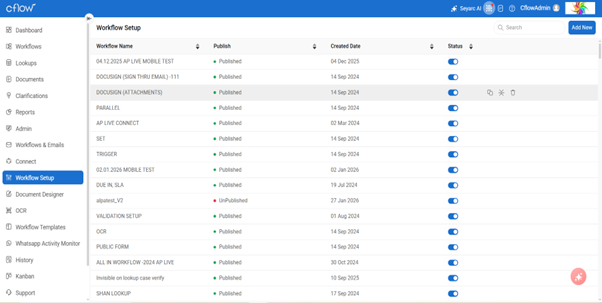
Select the target workflow and open the Automation configuration page.
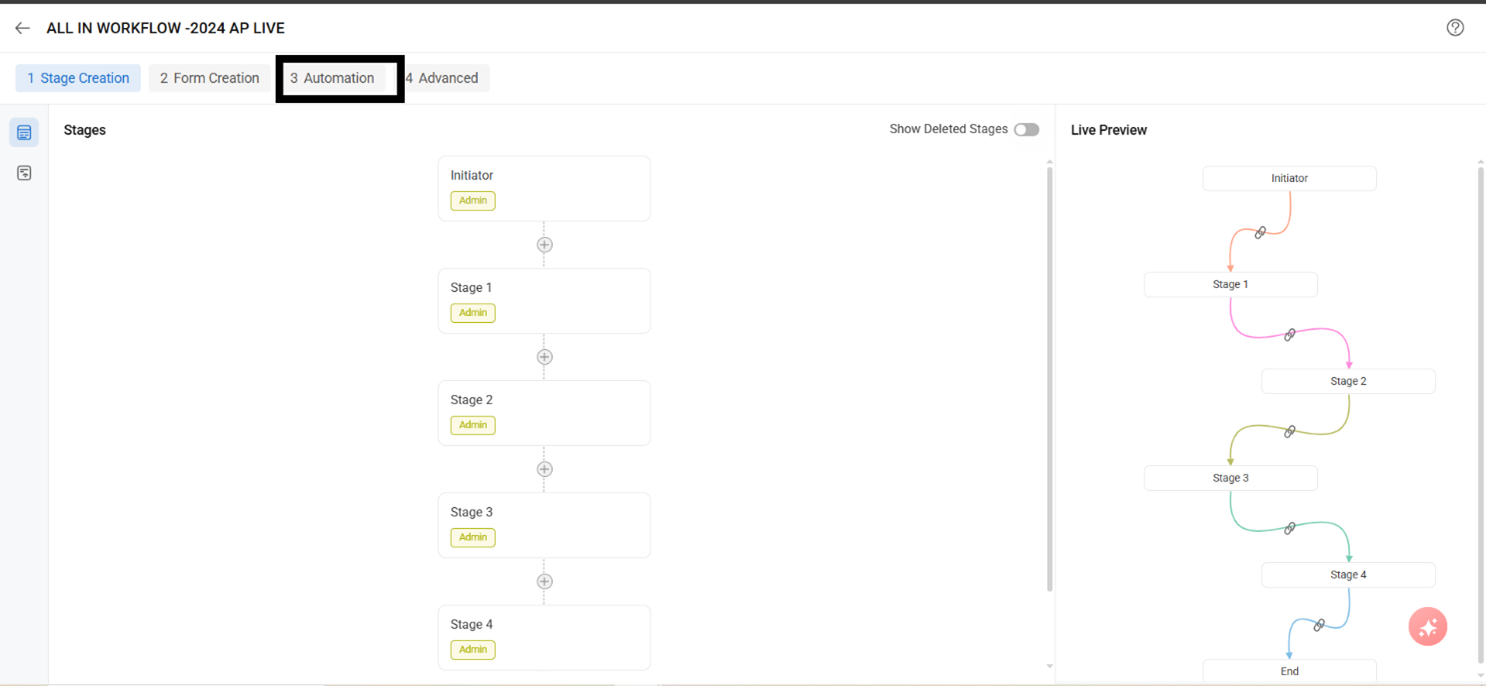
Locate the Backup option within the automation interface.
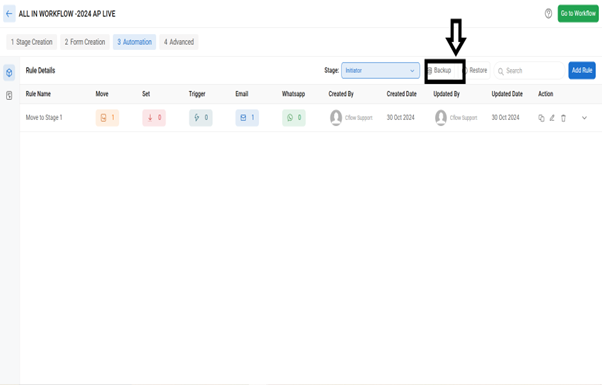
Provide a unique identifier (name) for the rule backup.
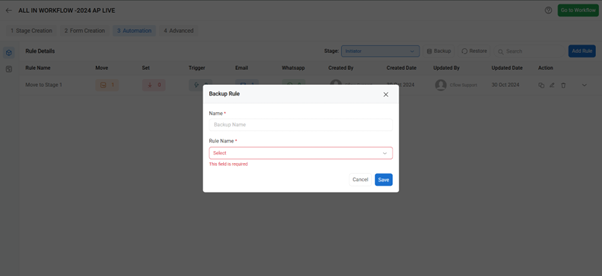
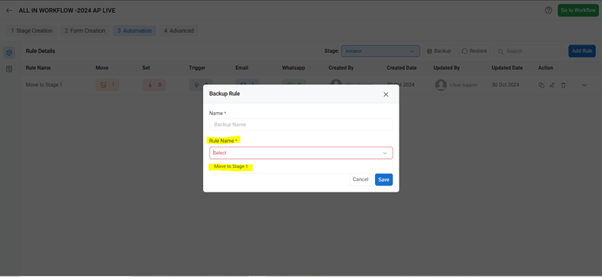
Select the rule condition(s) to be included in the backup and click on save option to backup the rule.
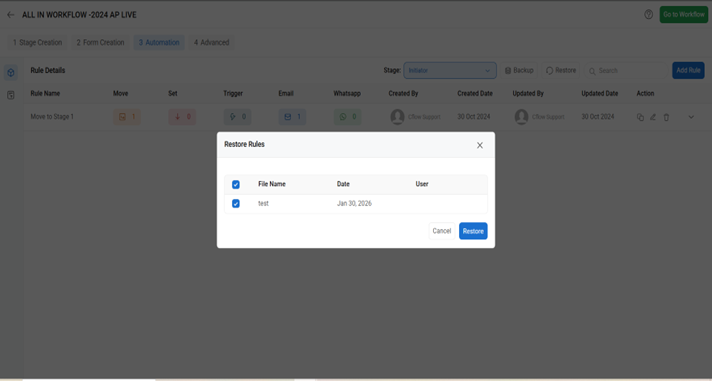
Additionally, you can restore the rule that has been backed up.
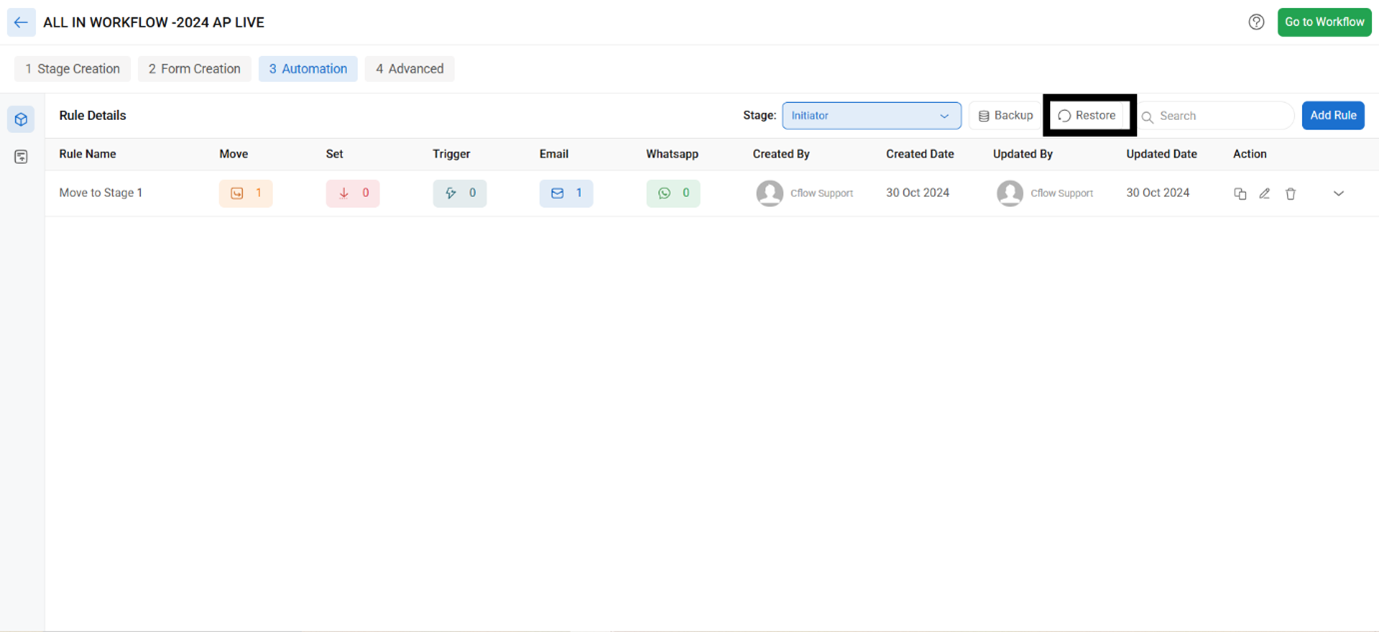
Selected the rule that needs to be restored by clicking on the rule (Checkbox) and click on restore to restore back the rule.