
Purchase the WhatsApp add-on plan in Cflow.
After the plan is activated, navigate to the Rule Configuration page.
In the notification options, locate the WhatsApp icon.
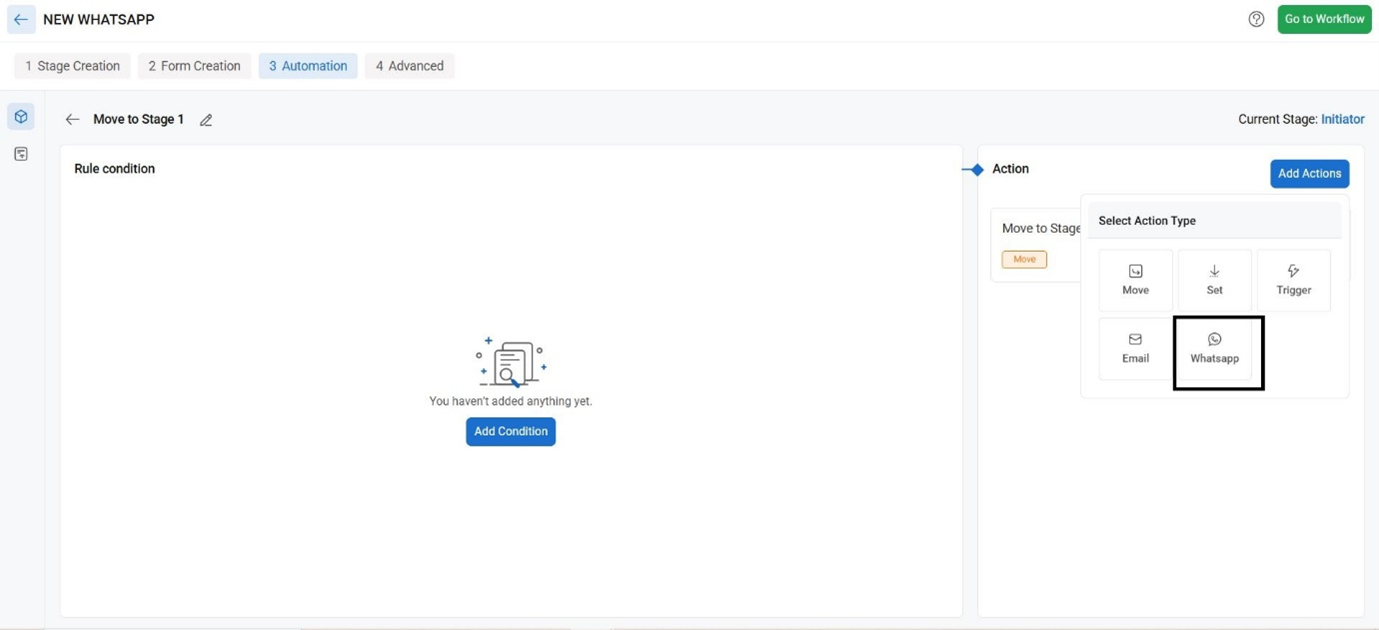
Enable the WhatsApp option to send approval notifications via WhatsApp.
While configuring the notification rule, select the required user or role as the recipient.
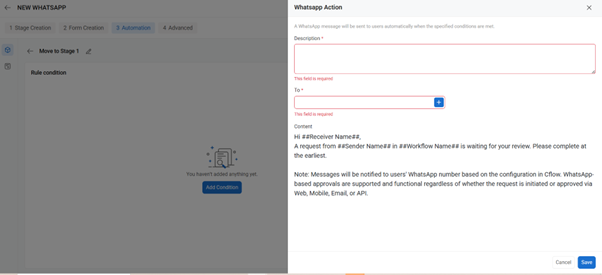
Approval notifications will be sent to the WhatsApp number associated with the selected recipient
You can add the recipient to the WhatsApp notification to the cflow :
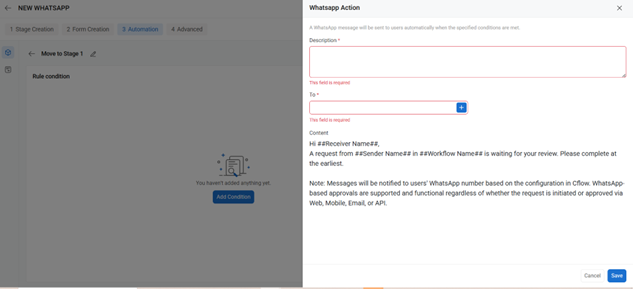
Click on save to make sure the changes get reflected.