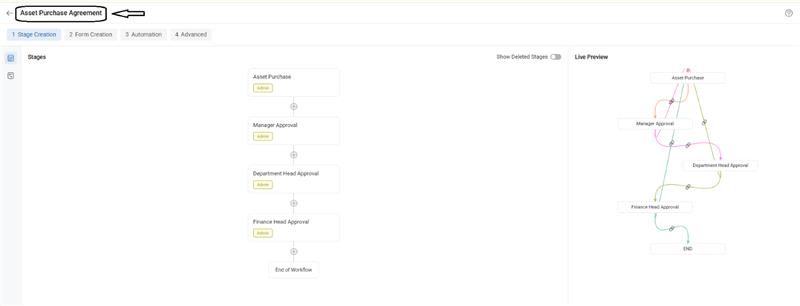
You can customize the workflow name from the Workflow Setup section. Here’s how:
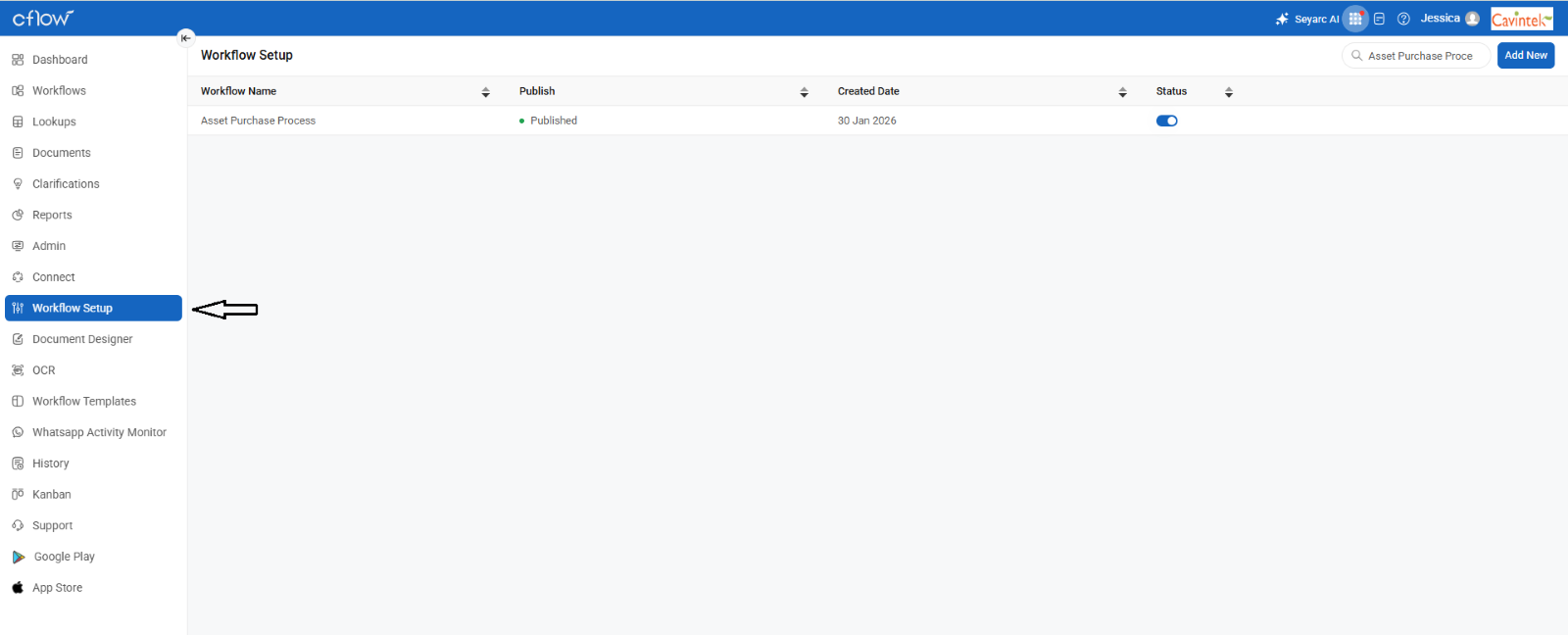
– Go to Menu > Workflow Setup.
You’ll see all the workflows that was created.
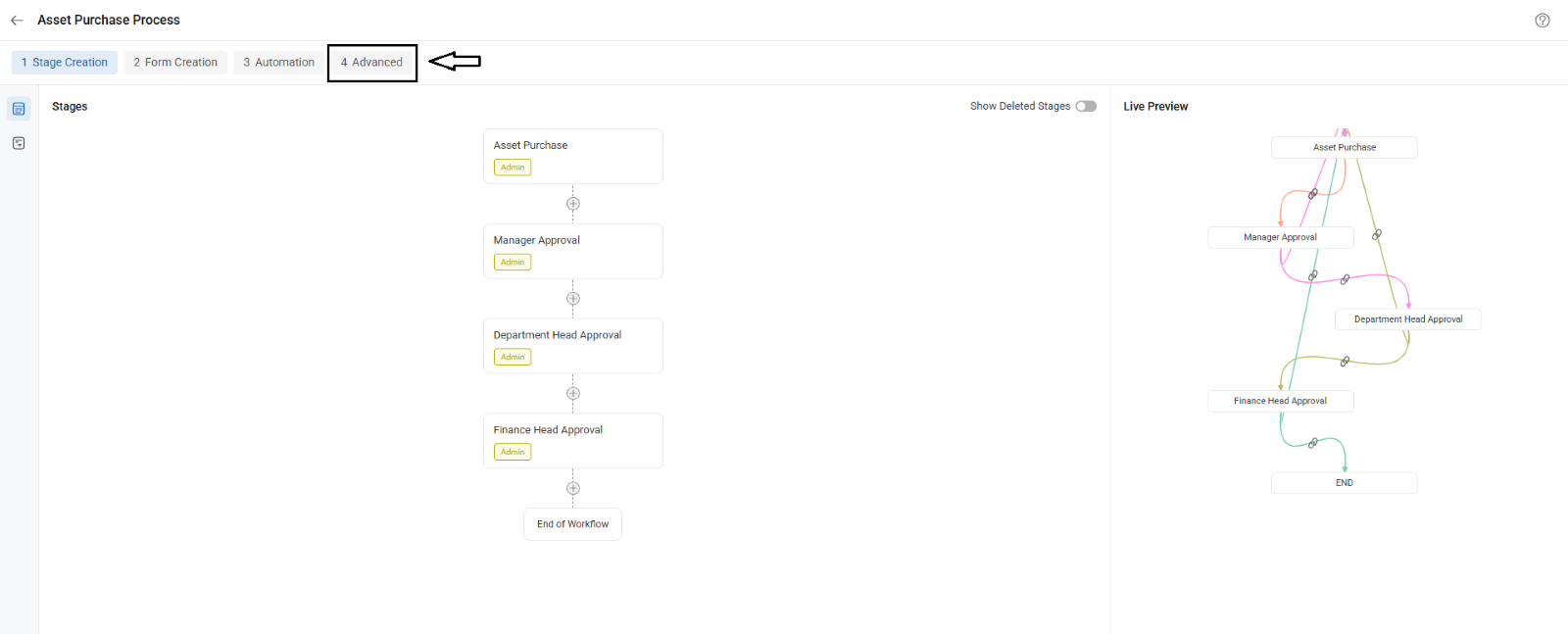
– Find the workflow you want to change, and click on the Advanced option.
– Under Workflow Properties, You can find the ‘Workflow Display Name’ Option.
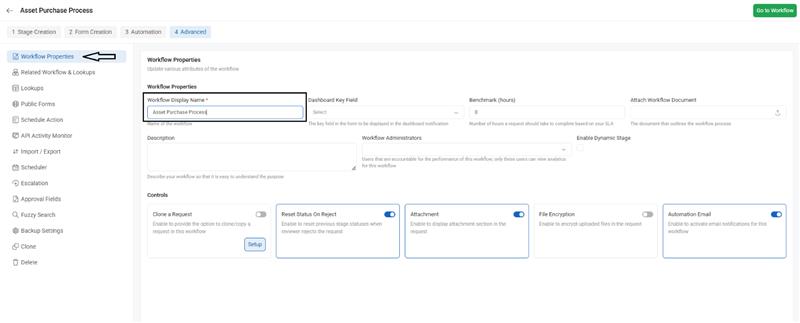
– Update the name and save the configuration. Refresh the browser page to view the new workflow name.